Department of Ed API
Noah Pollock
December 10, 2018
Scope
Learn to use the U.S. Department of Education API to capture data about higher education in the United States.
Introduction and Prerequisites
The U.S. government provides lots of free data and not enough people know about it! Unfortunately, I too frequently encounter people and organizations paying for data that is freely available. In this post, we’ll learn to tap into the rich data available from the United States Department of Education (let’s shorten that to USDE from here on out) through their Application Programming Interface (API).
If you want to follow along, go register for an API Key, it only requires an email. An API Key is essentially a password that gives you access to the content.
Open their API documentation here as well for reference.
Check out my rmarkdown dashboard which visualizes data from the Department of Ed API.
API Basics
In the way we’re using it, an API is a set of tools and protocols for transfering data. The following link is straight from USDE API documentation, go ahead and click or copy and paste into a new tab https://api.data.gov/ed/collegescorecard/v1/schools?school.name=boston%20college.
Hooray! You just executed an API Get request. Rather unsuccessfully I might add. You should have received a message like the one below. The USDE API requires us to provie a key.

If you obtained one already, try clicking on the link again, then adding &api_key= then your full api key. You should then see something more along the lines of the screenshot below.
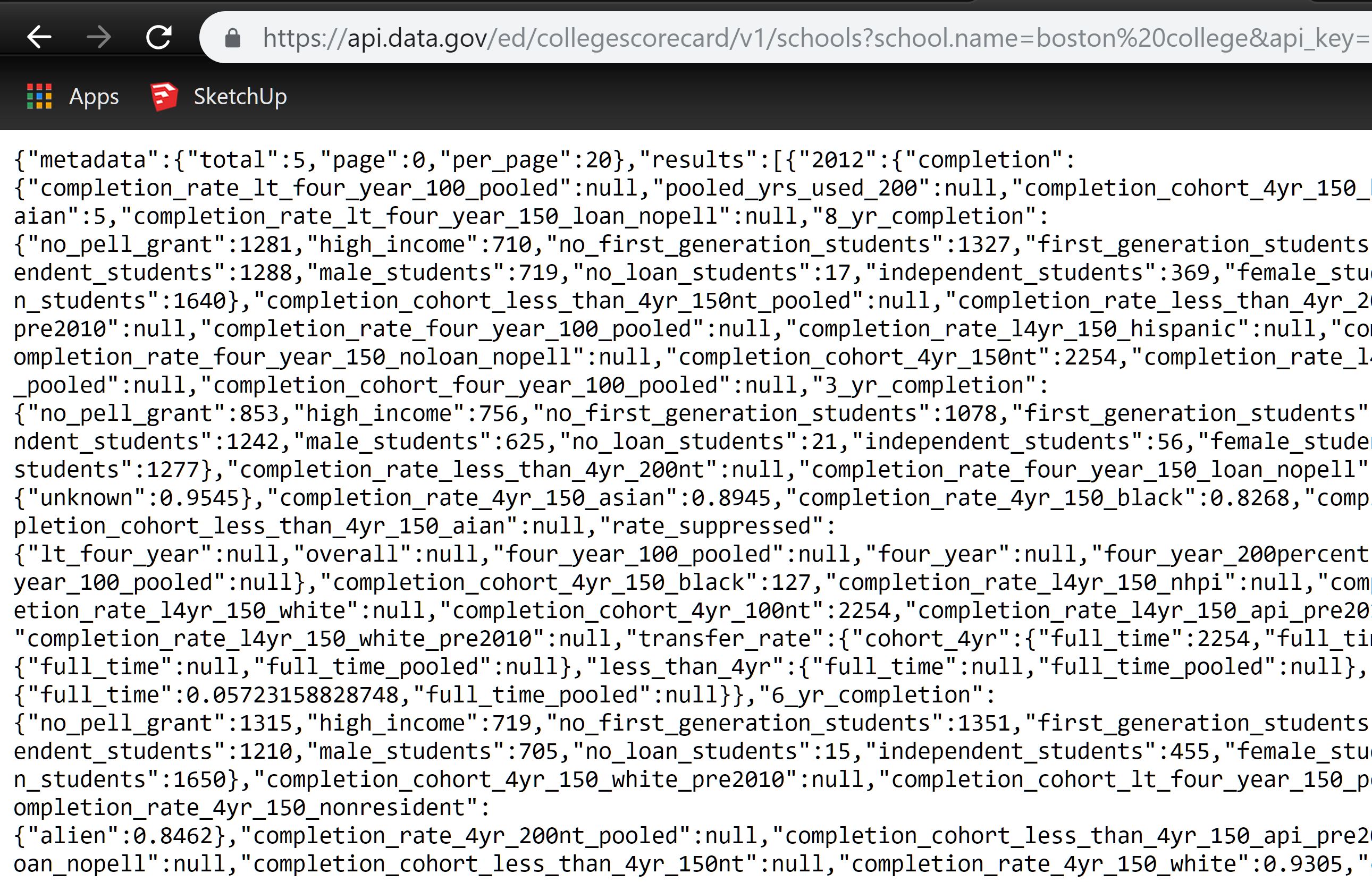
Now you have successfully sent a GET request to an API! The jumbled text on the page above is JavaScript Object Notation (JSON), a common, nay ubiquitous, format for storing and transfering data. A form of data storage you may have heard of is Comma Separated Values (CSV). In the same way CSV files have rules for how columns and rows and values are separated, JSON has rules too, they’re just different rules.
Anyways, you would hopefully never have to read JSON like it appears on this page and you would rarely make an API call by opening the link in a browser. Instead we’ll use the jsonlite package to call the API for us within R then we’ll coerce it into a dataframe.
#build your call
call <- paste0(
  # this piece is known as the URL (and schools is the Endpoint)
  "https://api.data.gov/ed/collegescorecard/v1/schools?",
  # here we tell the API we only want to see two variables
    # school.name and undergraduate enrollment
  "fields=school.name,latest.student.size",
  # now we pass a paramter,
  # return only records for the school with a certain id
  "&id=171571"
)
print(call)
## [1] "https://api.data.gov/ed/collegescorecard/v1/schools?fields=school.name,latest.student.size&id=171571"Looks good, but we still need to add our key.
# add key to api call
call <- paste0(call,"&api_key=",my_api_key)

# send call to Ed API and get JSON back
call_extract <- jsonlite::fromJSON(call)

# coerce into a dataframe and print
data.frame(call_extract)| metadata.page | metadata.total | metadata.per_page | results.latest.student.size | results.school.name |
|---|---|---|---|---|
| 0 | 1 | 20 | 15236 | Oakland University |
You may notice that you get back a few more pieces than you ask for. This is metadata and it’s useful for understanding your API call and what information was returned. For example, there were a total of 1 record(s), the record return is on page 0, and that 20 records per page would have been returned had we asked for more records. Pagination is important to understand because if we asked for 100 records, we would have to ask for pages zero through 4 or change the number of records per page to get all of them.
A Function for Easy Calling
To help alleviate some of the headache, I wrote a function below that builds the call and traverses all pages for us.
ed_api <- function(key = my_api_key,
  fields = c("id","location.lat","location.lon","school.name","school.state"),
  params = "school.state=MI"){

  require(jsonlite)

  endpoint = "schools"

  # collapse arguments by comma
  fields = if(!is.null(fields)) paste0("fields=",paste(fields,collapse=","))
  params = if(!is.null(params)) paste0("&",paste(params,collapse=","))

  url = "https://api.data.gov/ed/collegescorecard/v1/"
  call = paste0(url,endpoint,"?",paste(fields,collapse=","),params,"&api_key=",key)
  # print(call) # commented out so you can't see my API key!

  #first call to ping number of pages, ie page=0
  call_parsed <- fromJSON(call)
  ed_df <- data.frame(call_parsed)

  # find total pages
  # 20 results per page by default
  total_pages = call_parsed$metadata$total %/% 20

  # now call all the other pages and combine
  for(page_num in 1:total_pages){
    # print(paste0(call,"&page=",page_num)) # so you can't see my API key!
    call_parsed_paginated = fromJSON(paste0(call,"&page=",page_num))
    paginated_df <- data.frame(call_parsed_paginated)
    ed_df <- rbind(ed_df,paginated_df)
  }

  return(ed_df)

  #documentation
  #https://collegescorecard.ed.gov/data/documentation/

}
Function in Action
Now see the function in action. It takes character vectors for field names or for optional parameters and will require that you reference the data dictionary and tech documentation from USDE. Note that the defaul parameter is to search for schools in Michigan. To return all schools, set params = NULL.
# identify fields to capture
field_c <- c(
       "id",
       "school.name",
       "school.state",
       "school.zip",
       "location.lat",
       "location.lon",
       # total Undergraduate degree/certificate seeking enrollment
       "latest.student.size",
       #whether the institution is still in business
       "school.operating")

# schools in Michigan
test_1 <- ed_api(fields = field_c)

datatable(test_1
          ,rownames = FALSE
          ,options = list(scrollX = TRUE))
# school name and most recent UG student size
# for schools that had between 100 and 102 UG students in 2013
test_2 <- ed_api(
fields = c("school.name","latest.student.size")
,params = "2013.student.size__range=100..102")
datatable(test_2
,rownames = FALSE
,options = list(scrollX = TRUE))# all schools, over 7,000!
# Obviously i'm not going to run this for this post.
# api_df <- ed_api(fields = field_c,params = NULL)